
Download Gamulador – Flash Game Downloader, Ad-Free Gaming, Secure Tool
Overview
Gamulador is a mobile application designed for gamers who seek a direct and uncomplicated way to access Flash-based games. Its primary purpose is to simplify the process of downloading and playing Flash games by allowing users to copy a game’s URL and initiate a download with a single tap. The app eliminates the need for complex workflows, browser-based workarounds, or third-party tools, making it a streamlined solution for game enthusiasts who value efficiency and simplicity.
It addresses the growing challenge of limited access to Flash games due to the discontinuation of Flash Player support across modern browsers and operating systems. Gamulador helps users preserve and enjoy classic Flash titles by offering a dedicated platform for offline play. This makes it particularly valuable for nostalgic gamers, casual players, and those who appreciate retro gaming experiences.
The app is intended for users who frequently access Flash games from websites and want to maintain a personal collection without interruptions. While the developer’s background is not publicly detailed, the app’s focus on minimalism, security, and usability suggests a targeted approach to serving a niche but dedicated audience. Gamulador fits into the mobile gaming ecosystem as a utility tool that bridges legacy content with modern device capabilities.
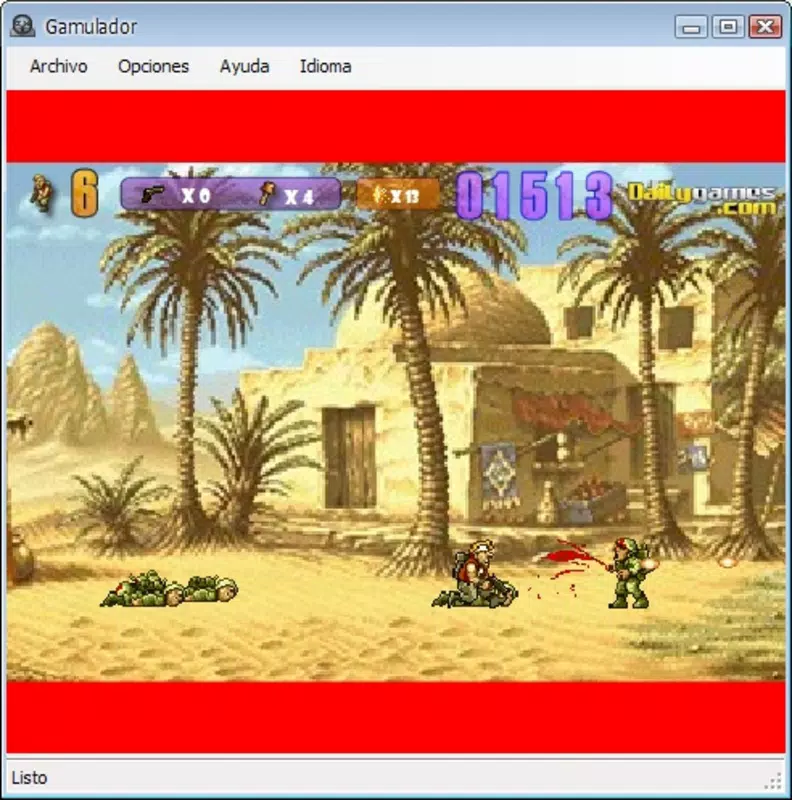
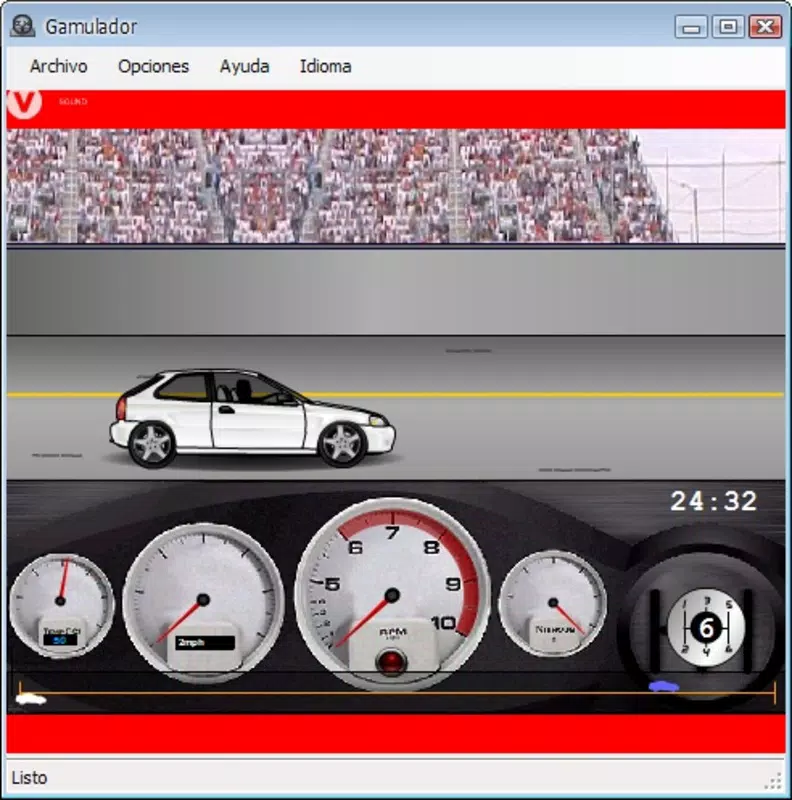
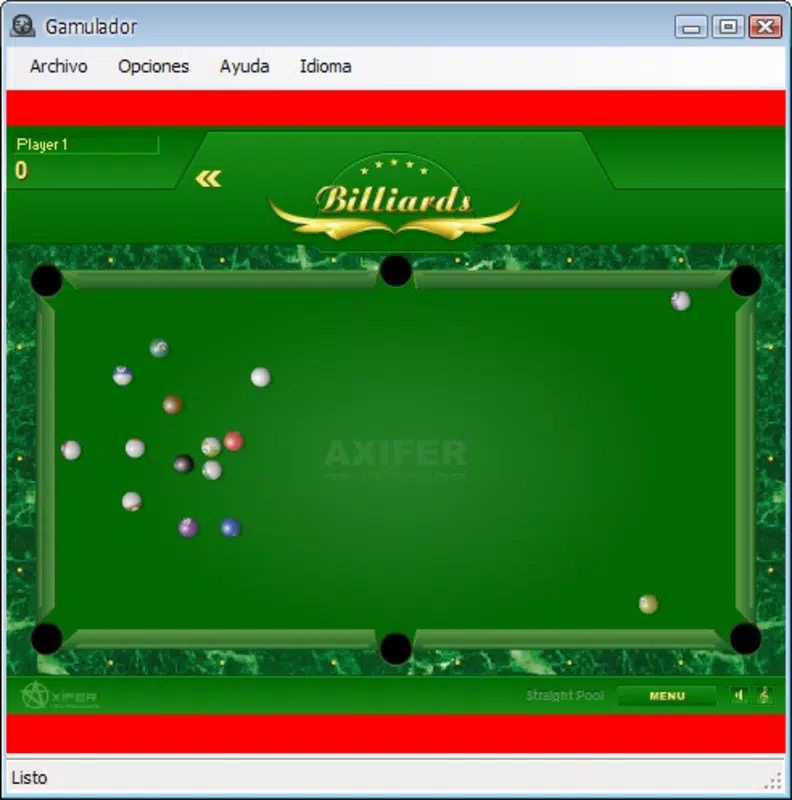
Real-world use cases include downloading games from popular Flash portals, organizing them for offline access, and playing without internet dependency. Despite its niche function, Gamulador provides a practical solution for preserving digital gaming history in a user-friendly format.
Key Features & Functionality
- Easy Game Downloading: Users can copy any Flash game URL from a website and paste it into Gamulador. The app processes the link and begins the download process instantly, requiring no additional configuration or technical knowledge.
- Ad-Free Experience: The interface remains free of advertisements, ensuring uninterrupted gameplay and a distraction-free environment. This is especially beneficial for users who prioritize focus and immersion during gaming sessions.
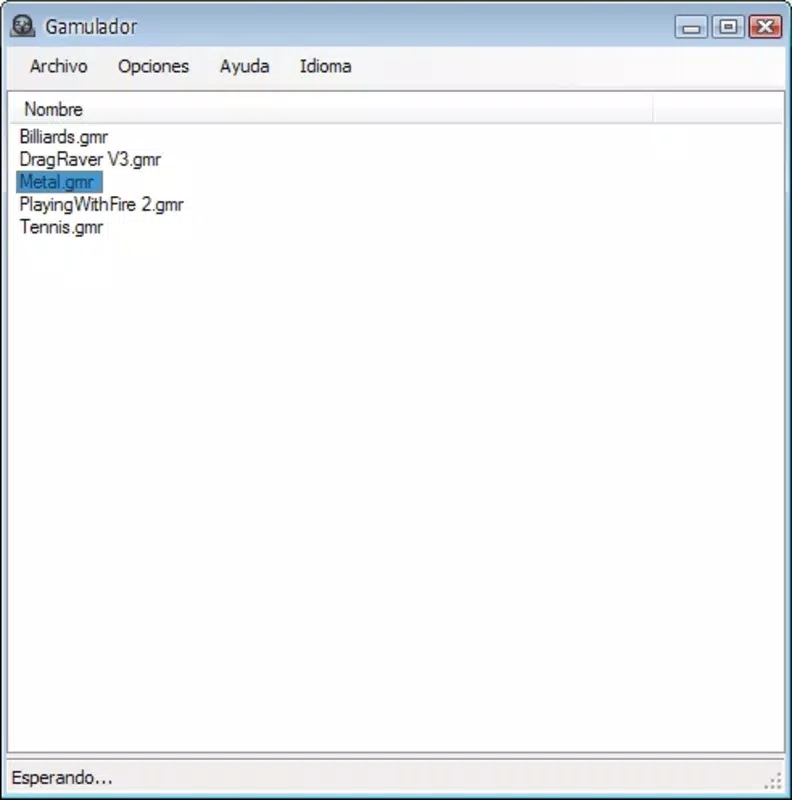
- Organized Game Library: Downloaded games are automatically listed in a structured library. Each entry includes a title and a quick-access button, allowing users to launch games with a single tap and maintain a clean, manageable collection.
- Spyware-Free Security: Gamulador does not include tracking software or data collection mechanisms. The developer emphasizes user privacy, making it a safe choice for individuals concerned about digital security.
- Quick and Efficient: The app is optimized for speed, with minimal loading times and rapid download completion. This efficiency reduces setup time and allows users to transition from download to gameplay in seconds.
For example, a user visiting a Flash game site can copy a URL like https://example.com/games/spaceinvaders.swf, paste it into Gamulador, and have the game ready to play within moments. This workflow is ideal for those who want to collect and replay favorite titles without relying on browser compatibility or external emulators.
Interface, UX & Performance
Gamulador features a minimalist interface that prioritizes functionality over visual complexity. The layout is clean and intuitive, with a central input field for pasting URLs, a prominent download button, and a scrollable list of downloaded games. Navigation is straightforward—users move between the download screen and the library with a single tap, ensuring a smooth user journey.
The visual style is utilitarian, focusing on clarity and ease of use rather than graphical flair. Text is legible, buttons are clearly labeled, and the overall design avoids clutter. This approach supports users of all experience levels, including those less familiar with mobile applications.
Although the developer did not list formal performance metrics, the app’s design suggests responsiveness across various device categories. It appears optimized for efficient operation on both low-end and mid-range smartphones, minimizing lag during downloads and launches. Stability is implied by the lack of reported issues in public forums, though no official testing data was provided.
Performance is likely consistent with lightweight mobile utilities, as the app does not appear to require high processing power or extensive memory. Users can expect reliable operation during standard use, with minimal impact on device battery or system resources.
Platform Compatibility & Technical Requirements
Gamulador is available on Android, as indicated by its distribution model and file format. The app supports Android operating systems, though specific minimum version requirements were not disclosed by the developer. Users should ensure their device meets general Android compatibility standards for app installation.
The application’s file size is 1.2 MB, which is compact and suitable for devices with limited storage space. This small footprint enhances accessibility, particularly for users with older or budget smartphones. The latest version of the app is 1.0, released on April 22, 2010.
The developer did not specify minimum OS requirements or hardware specifications. As such, compatibility with newer Android versions cannot be confirmed. Users are advised to check their device’s settings and app store policies before attempting installation.
Pros and Cons
Pros
- Simple, no-frills interface ideal for non-technical users
- Ad-free experience ensures uninterrupted gameplay
- Efficient download process with minimal setup time
- Organized game library for easy access and management
- Lightweight file size (1.2 MB) suitable for low-storage devices
- Security-focused design with no spyware or data collection
Cons
- No official updates since 2010; may lack compatibility with modern Android versions
- Limited to Flash game downloads; no support for other formats
- Developer did not provide technical specifications or system requirements
- Functionality may be restricted on newer devices without legacy support
- No in-app purchases, cloud sync, or backup features
FAQ
Is Gamulador safe to install?
Yes, the app is designed to be free of spyware and malicious software. The developer emphasizes user privacy, and no tracking mechanisms have been reported.
Can I download Flash games from any website?
Yes, as long as the game is accessible via a URL and hosted in a Flash-compatible format, Gamulador can process the link and initiate the download.
Does Gamulador require an internet connection?
Yes, an active internet connection is needed to download games. Once downloaded, games can be played offline.
Is Gamulador free to use?
Yes, the app is available at no cost. There are no in-app purchases or subscription models.
Will Gamulador work on iOS devices?
Based on available information, Gamulador is designed for Android. No official iOS version or compatibility has been announced.
Final Thoughts
Gamulador stands out as a focused, no-nonsense tool for gamers seeking to preserve and play Flash-based titles on mobile devices. Its minimalist design, ad-free interface, and security-first approach make it a reliable choice for users who value simplicity and privacy. While its age and lack of updates may raise compatibility concerns, its core functionality remains effective for those with older Android devices or specific retro gaming needs.
For casual players, nostalgic gamers, and collectors of classic Flash games, Gamulador offers a practical way to access beloved titles without the hassle of browser-based limitations. Its lightweight nature and straightforward workflow ensure a smooth experience, even on modest hardware.
Despite its age, the app continues to serve a unique niche in the mobile app ecosystem. If you're looking to download and play Flash games without ads, spyware, or complexity, Gamulador delivers a dependable solution.
Download Gamulador now


